VRChat

【VRoid】 Shining Eyes Set

  • ダウンロード商品
    ¥ 150

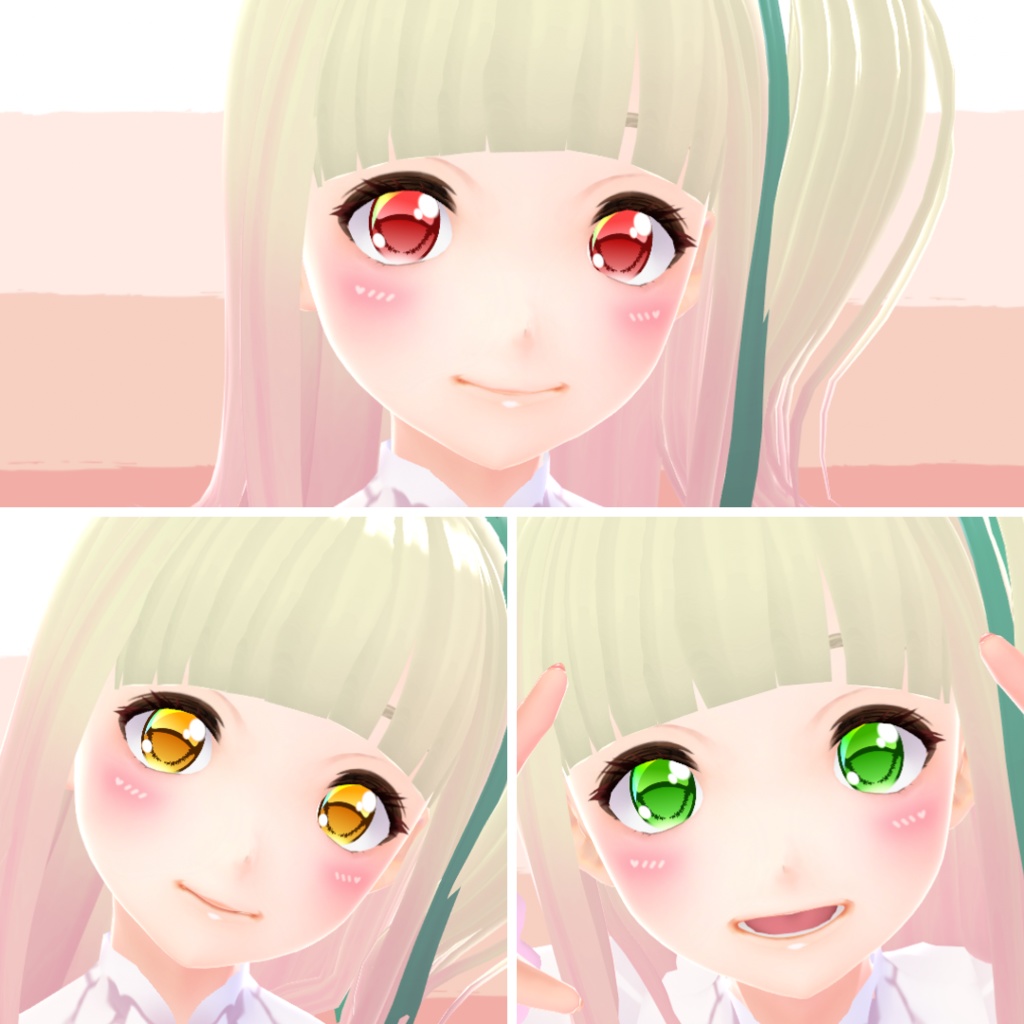
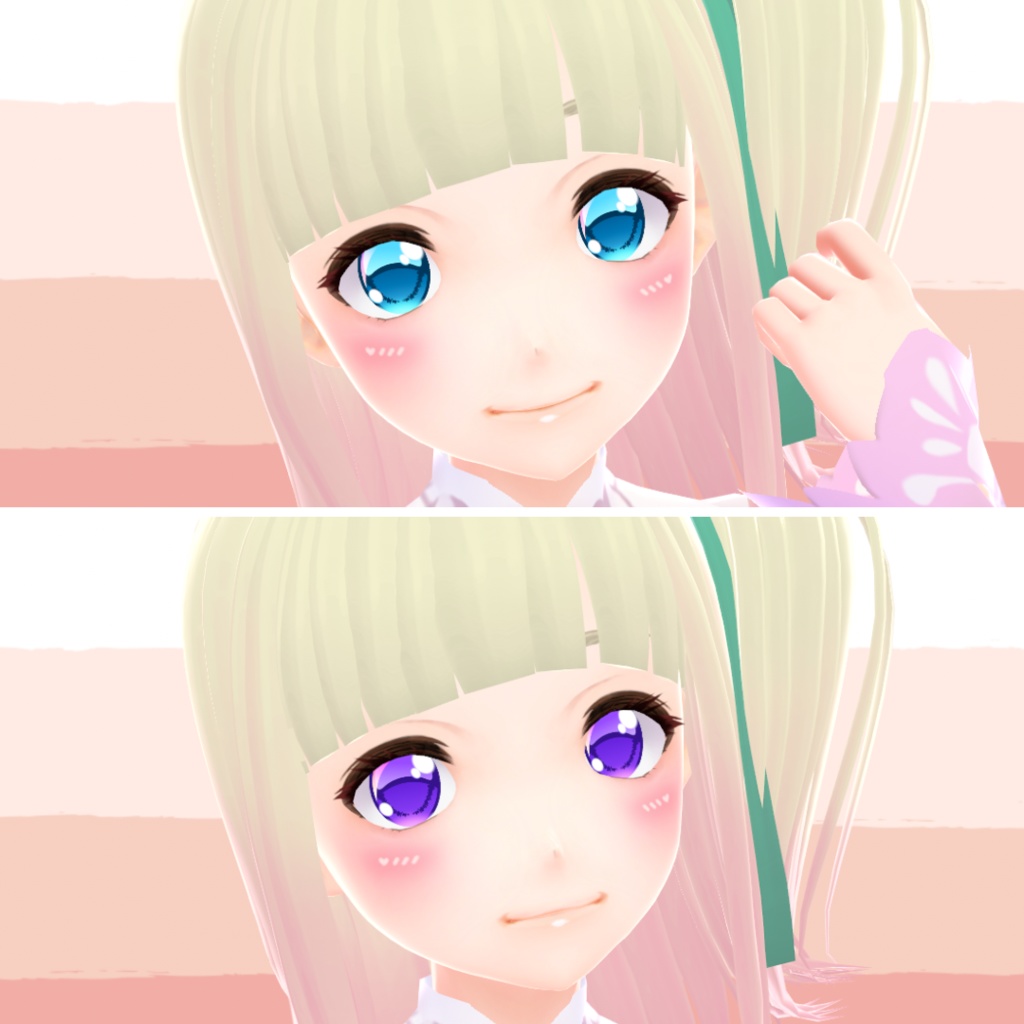
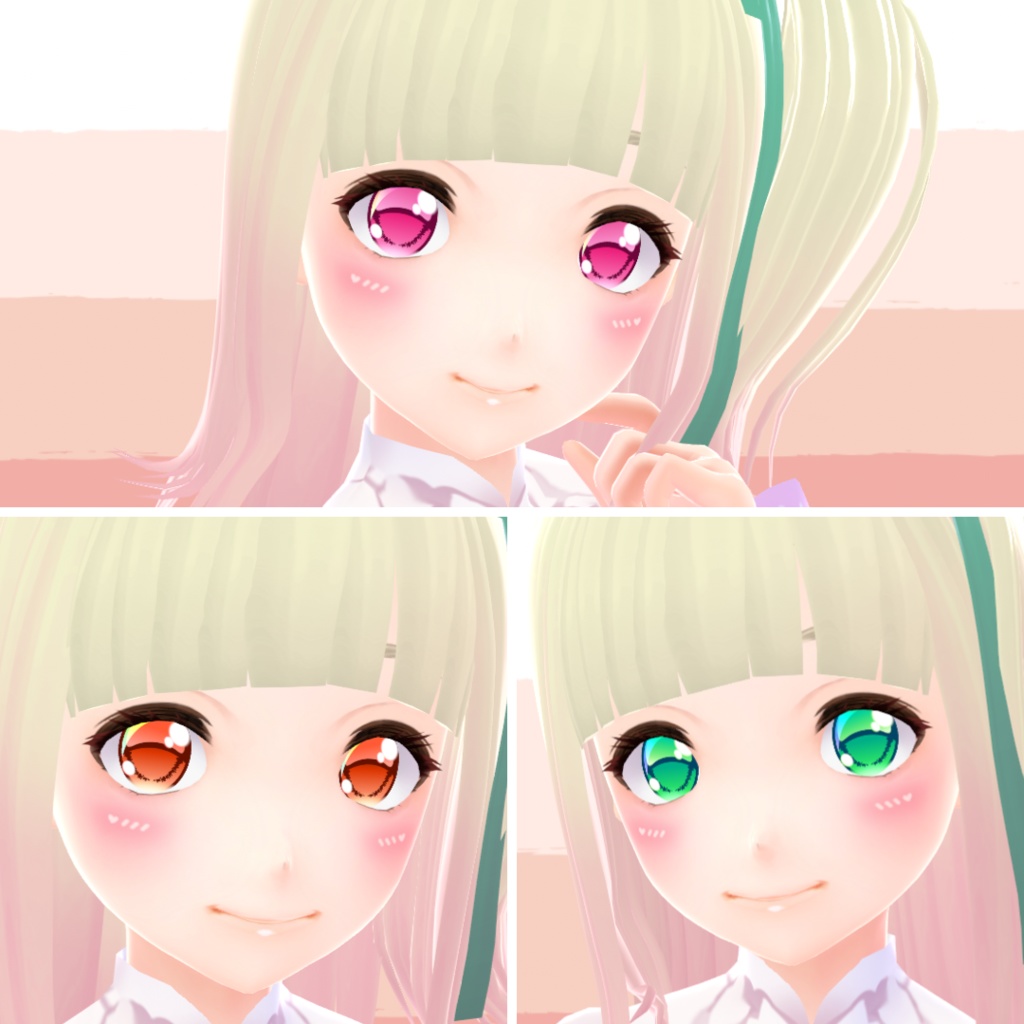
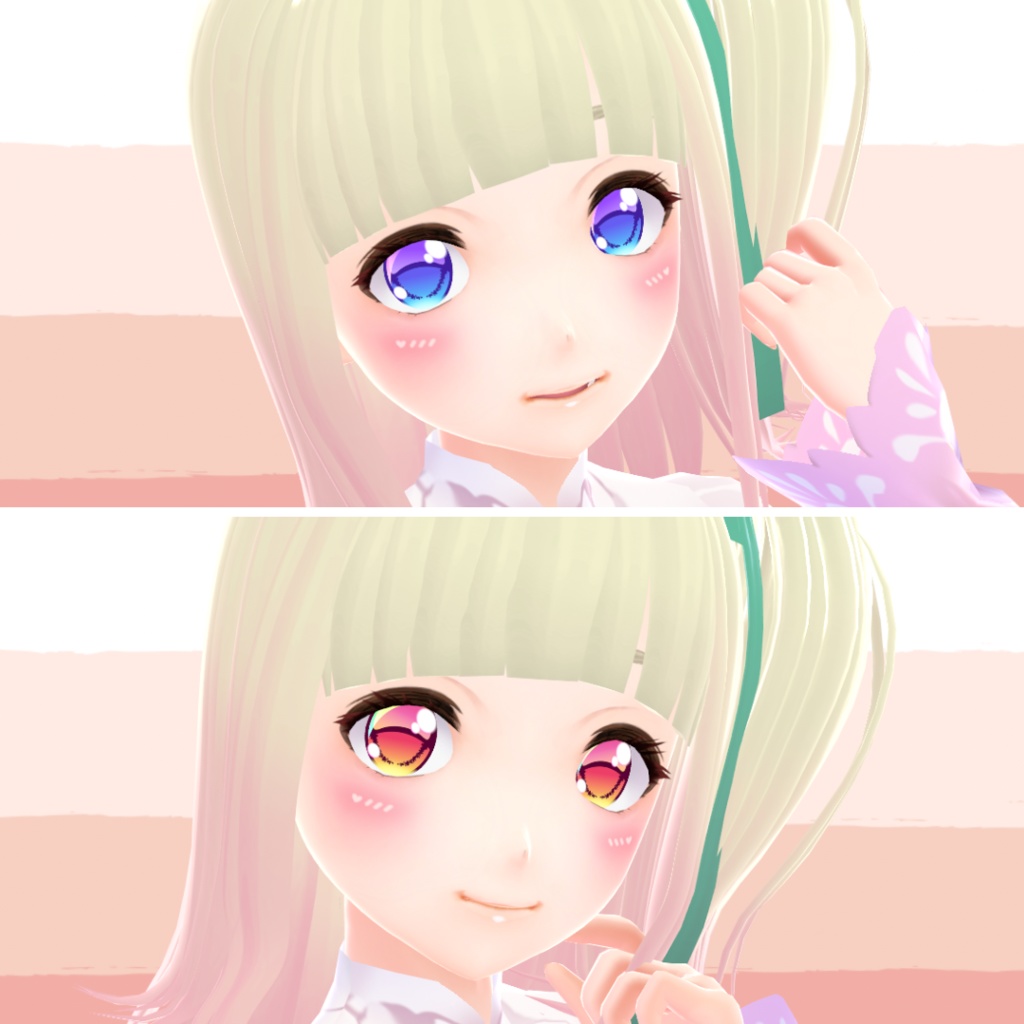
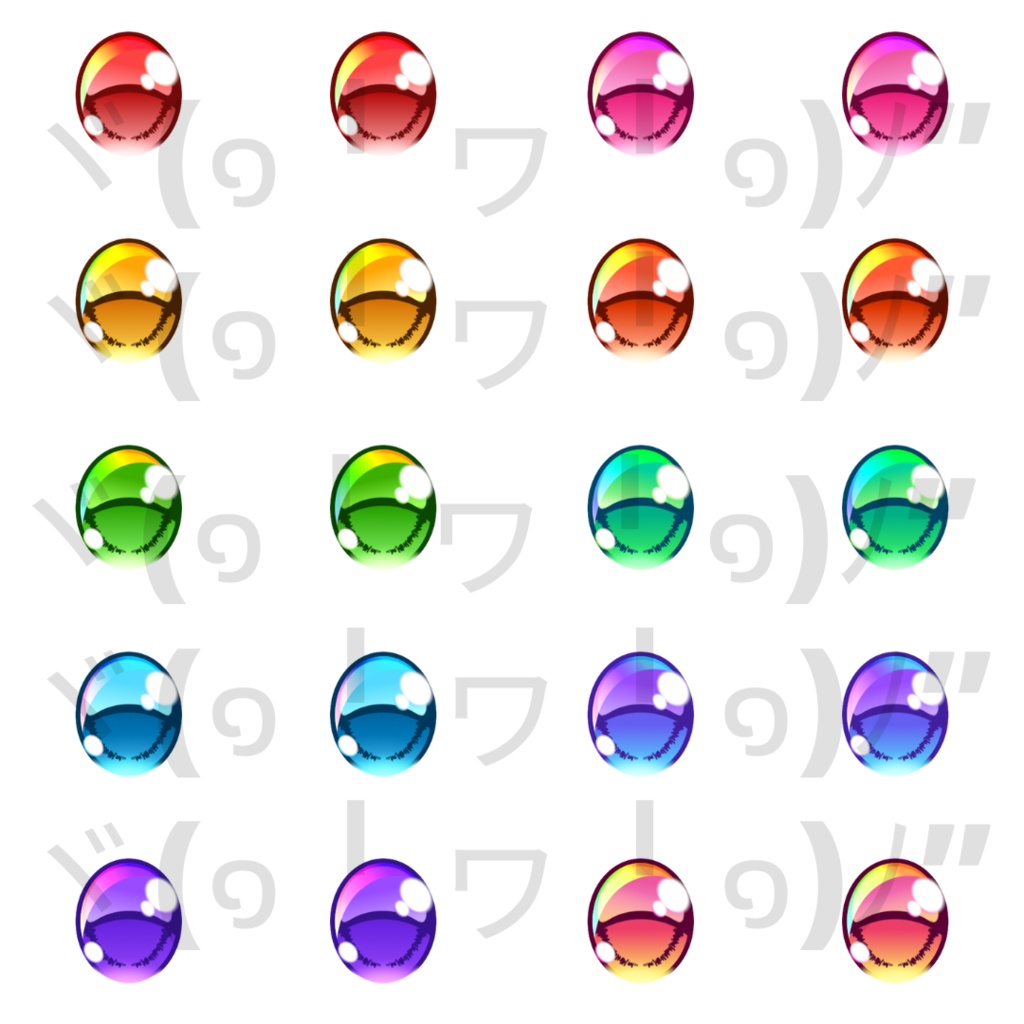
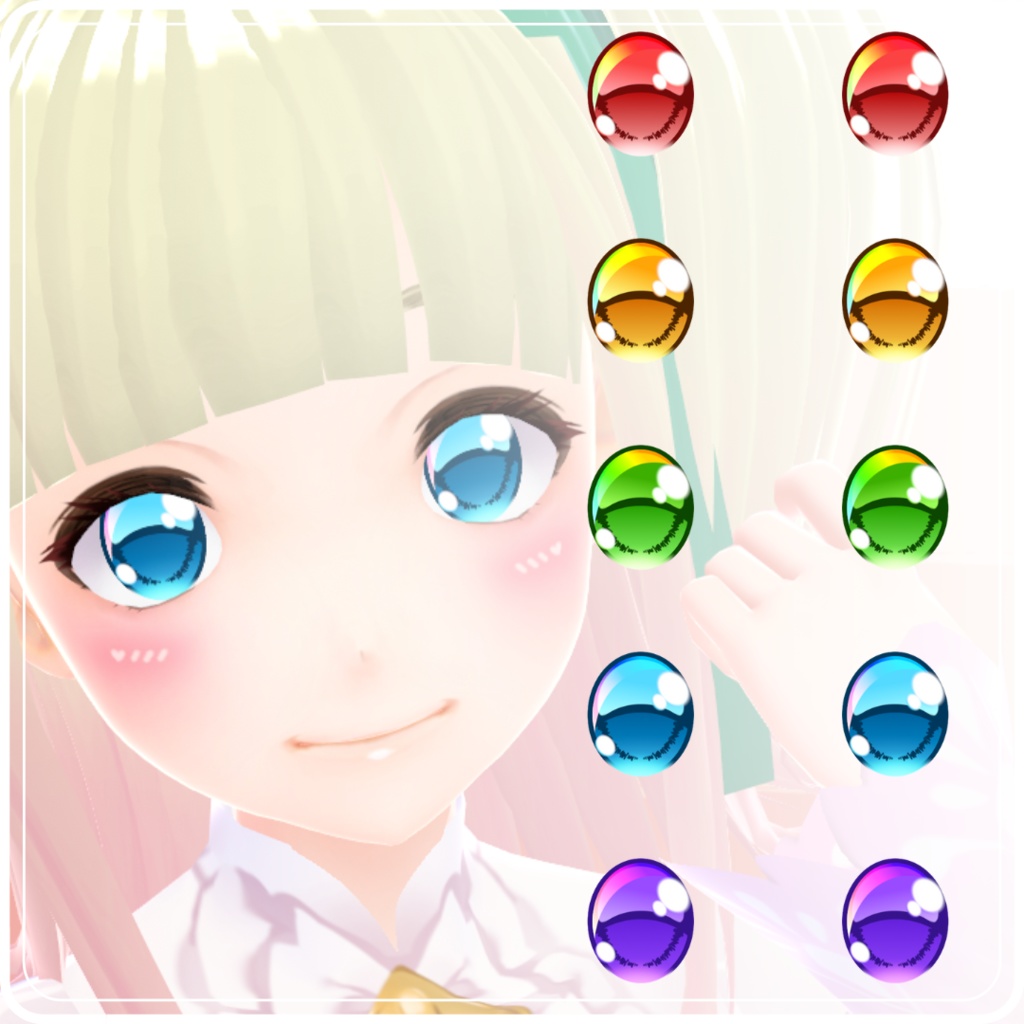
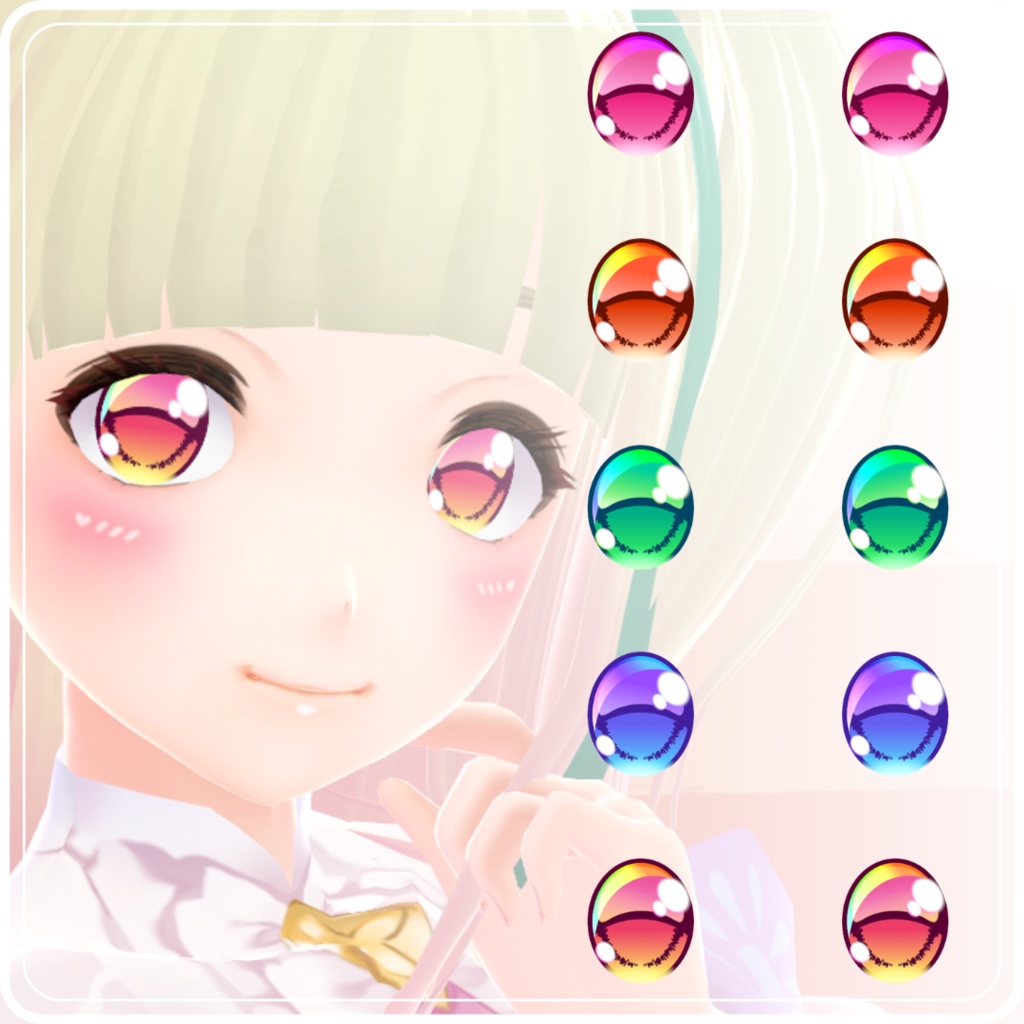
Shining Eyes Set, 10 colors available with and without highlights. ヾ(๑╹ヮ╹๑)ノ” ** Makeup Not Included ** Source: https://lolishop.booth.pm/items/2716934 ❖ 【VRoid 1.0】 INSTRUCTIONS: • Face -> Irises -> Edit Texture -> Delete the current irises layer -> Create a new layer -> Right click on the new layer -> Import -> Choose the file you want. • IMPORTANT! If you use irises with highlights you need to remove the VRoid highlights: Go to Eye Highlights -> Presets -> Choose the option without highlights (it should be the first). 【VRoid Beta】 INSTRUCTIONS: • Face Editor -> Texture -> Irises -> Delete the current irises layer -> Create a new layer -> Right click on the new layer -> Import -> Choose the file you want. • IMPORTANT! If you use irises with highlights you need to remove the vroid highlights: Go to Eye Highlights -> Right click on the layer -> Toggle visibility. --------------------- Terms of use --------------------- OK: • Personal use: - anything you don't show publicly (no credit required). • Public use: - photos, videos etc you post publicly (credit required); - stream, vtubing etc (give me credit in the easiest way for you. Thanks!) You can tag me @just_a_loli1 on Twitter when you use my material, I'll really appreciate it. • Modification: - You can modificate these material according to your taste (credit the original item). NOT Allowed: • Redistribution/selling of this material. • Modification of these material for resale. • Use this material for any kind of merchandises. • Including this material in models you sell/share publicly (example: VRchat or VRoid Hub). • Claim this material as your own.
【VRoid】 Shining Eyes Set
Shining Eyes Set, 10 colors available with and without highlights. ヾ(๑╹ヮ╹๑)ノ” ** Makeup Not Included ** Source: https://lolishop.booth.pm/items/2716934 ❖ 【VRoid 1.0】 INSTRUCTIONS: • Face -> Irises -> Edit Texture -> Delete the current irises layer -> Create a new layer -> Right click on the new layer -> Import -> Choose the file you want. • IMPORTANT! If you use irises with highlights you need to remove the VRoid highlights: Go to Eye Highlights -> Presets -> Choose the option without highlights (it should be the first). 【VRoid Beta】 INSTRUCTIONS: • Face Editor -> Texture -> Irises -> Delete the current irises layer -> Create a new layer -> Right click on the new layer -> Import -> Choose the file you want. • IMPORTANT! If you use irises with highlights you need to remove the vroid highlights: Go to Eye Highlights -> Right click on the layer -> Toggle visibility. --------------------- Terms of use --------------------- OK: • Personal use: - anything you don't show publicly (no credit required). • Public use: - photos, videos etc you post publicly (credit required); - stream, vtubing etc (give me credit in the easiest way for you. Thanks!) You can tag me @just_a_loli1 on Twitter when you use my material, I'll really appreciate it. • Modification: - You can modificate these material according to your taste (credit the original item). NOT Allowed: • Redistribution/selling of this material. • Modification of these material for resale. • Use this material for any kind of merchandises. • Including this material in models you sell/share publicly (example: VRchat or VRoid Hub). • Claim this material as your own.